Hello everyone,
We are working on advance search feature in AnsPress. Search can be filtered by many options. Instead of adding extra fields in search form we have chosen query string method, i.e.
Search users posts:
user:rahularyan how to install
Search by category:
category:extensions how to translate
etc..
We wish to know your thoughts about this feature. Thanks.
How can I re-sort the categories in the dropdown menu? I would strongly prefer to not have to delete the categories and remake them.
Thanks,
Is there a way that we can change the [Ask a question] buttons to something like [Share a link]? I think this plugin might work well as a sort of link share, where people can comment, and not necessarily have a Q&A format. Is there a way to change the terms questions/answers in the plugin as well as the buddypress activity?
I’ve read of a ‘translations’ opportunity as it relates to changing ‘reputation’, but I wouldn’t want the inability to write ‘ask a question’ only to have it translate to something different.
Thanks!
The changelog on the plugin page on wordpress.org only goes to version 2.3.3. The one included with the plugin files is even more out of date. Please can you update your changelog so I can see what has been changed since version 2.3.3? This will influence how and when I update my plugin. Thanks.
Hello everyone,
We are happy to announce that our 2nd WordPress + AnsPress theme has been released. Read more about the theme here: AskBug.

Upcoming version:
We are working on major an major updates for AskBug theme which will also make it compatible with AnsPress 4.0.
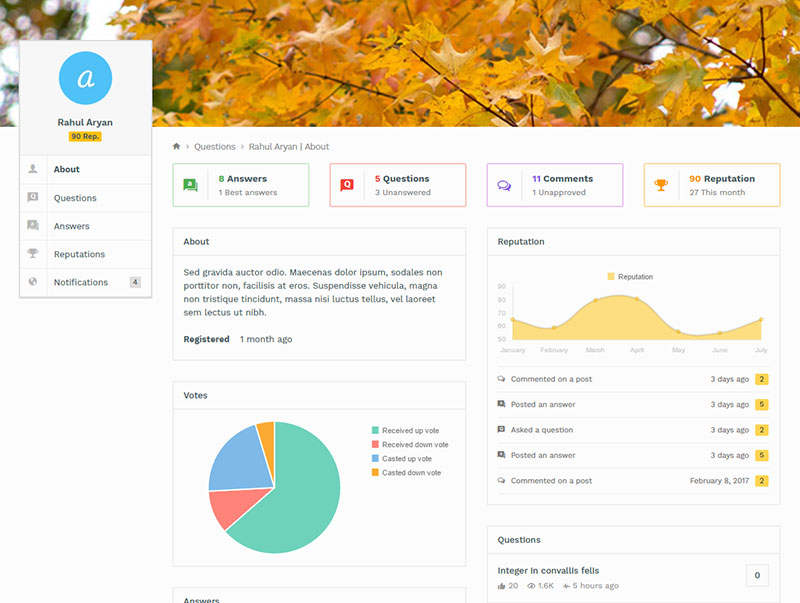
I’m referring to the pick “Anspress” background image. I saw your response to someone else when they asked a similar question but your solution didn’t resonate with me. And that person did not respond so I’m not sure that it resonated with them either. I am not very tech savvy so please offer a very detailed response. This is the previous response I am referring to. Thank you and I appreciate your time.